01
Draw.
Build a structure, change bonds, and try out rings. Start from scratch, open an example, or import a SMILES string.
Explore the editorDraw molecules in 2D, explore their geometry in 3D, and understand what each bond changes. An open space for teaching and learning organic chemistry.
Free to use. No account needed to draw. Yours to explore.
See Rotamer in action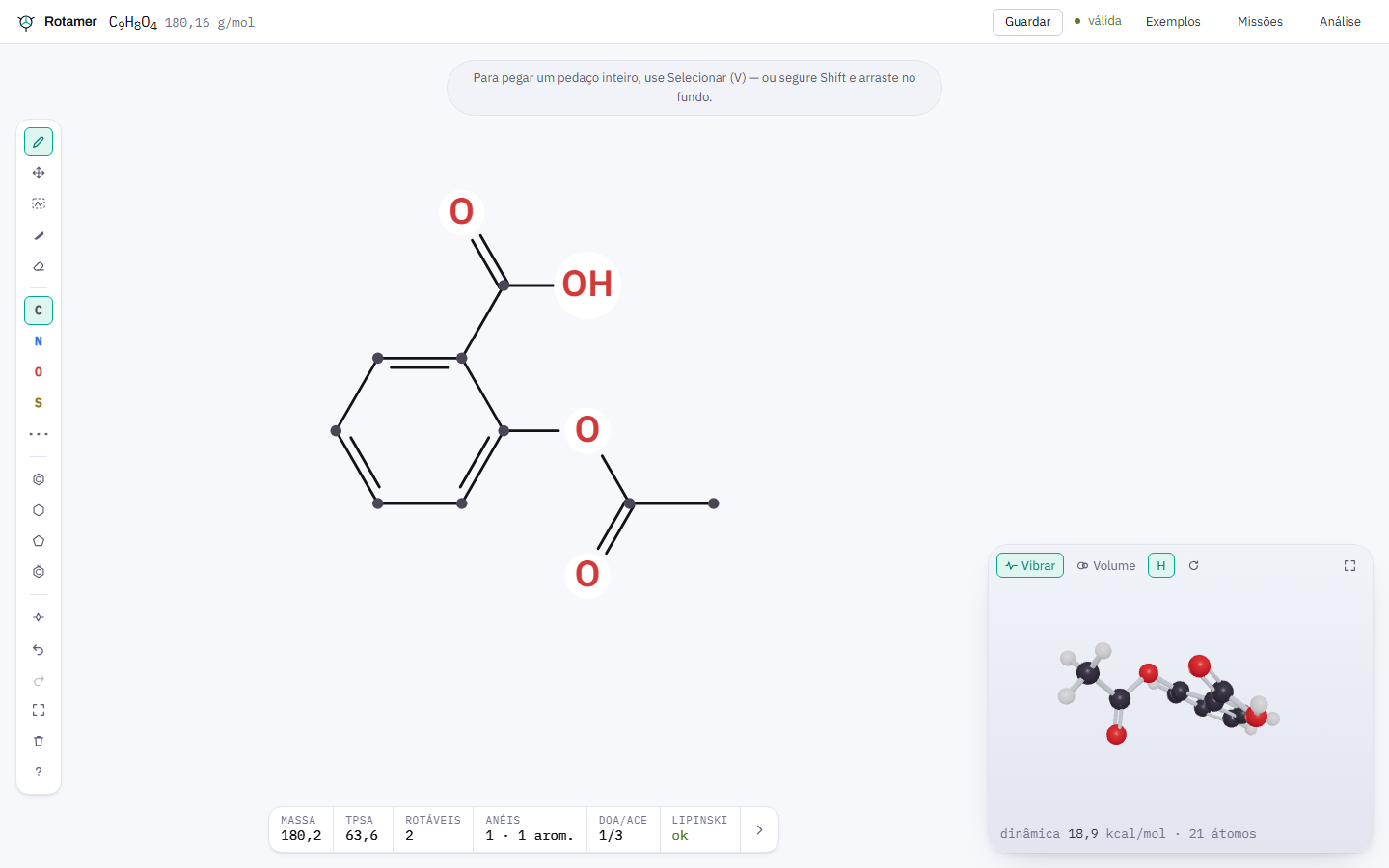
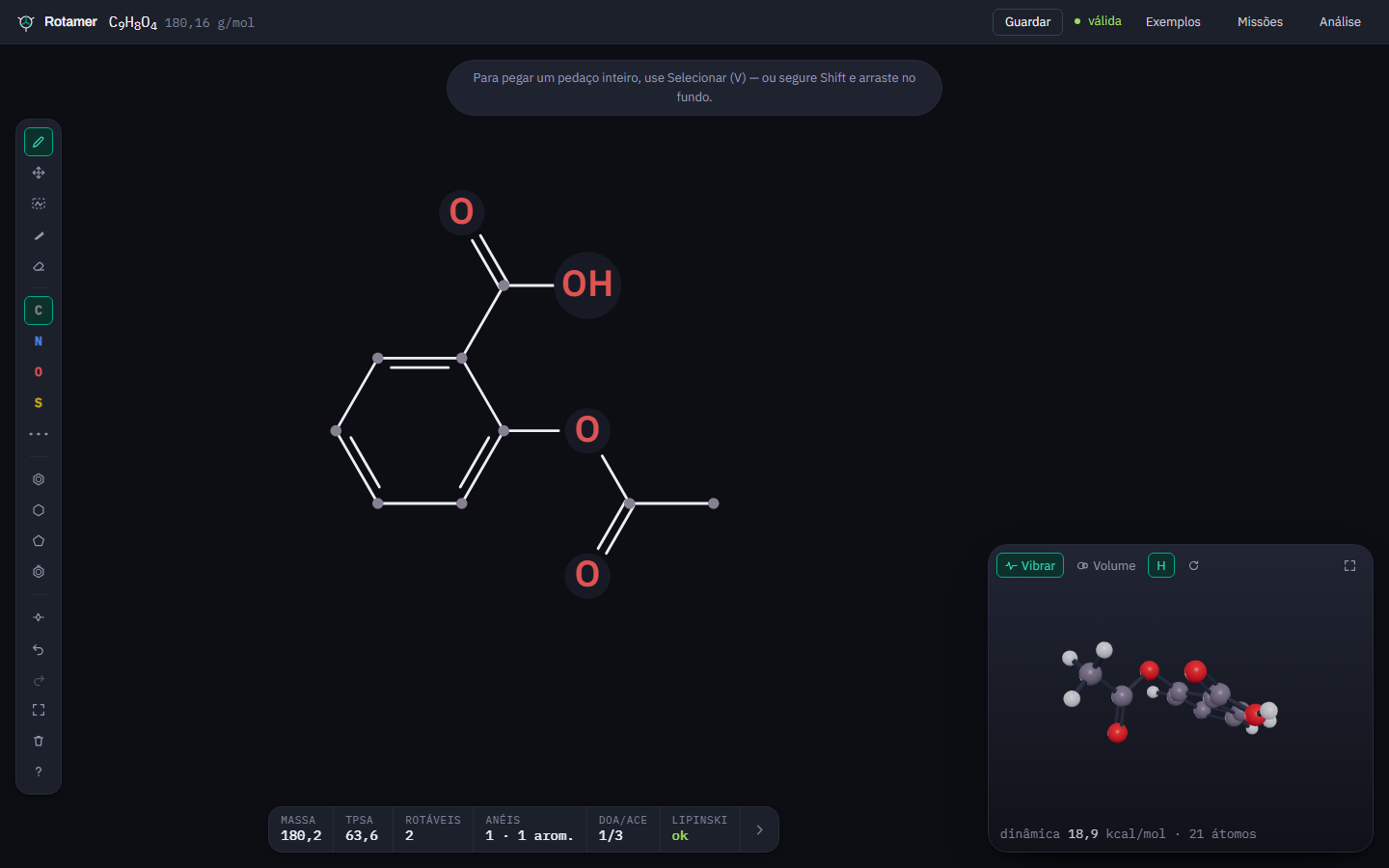
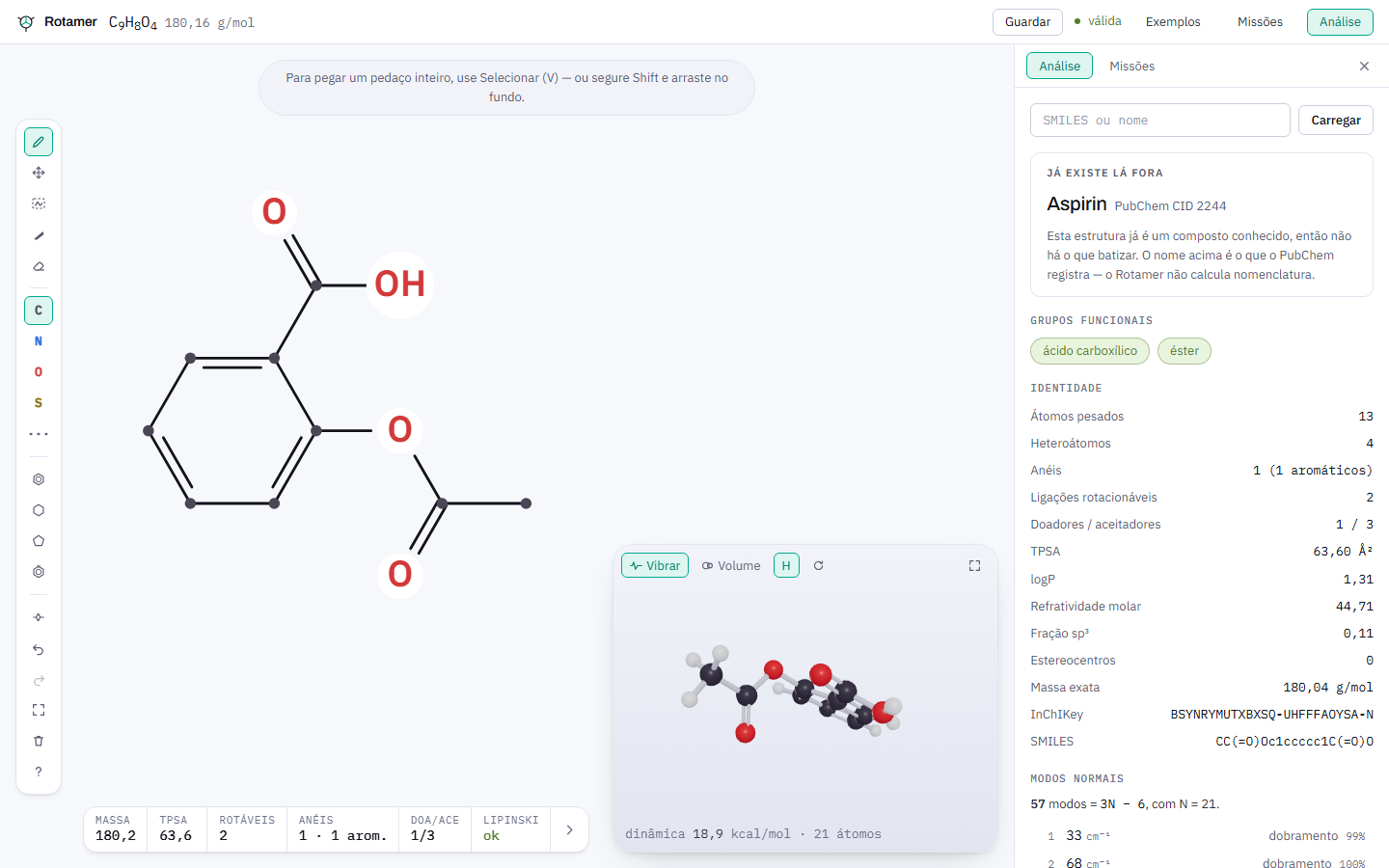
Actual editor screenshot · aspirin · interface in Portuguese
RDKit validation and descriptors
MMFF94 geometry and dynamics
Open source from sketch to source code
INSIDE THE WORKBENCH
Demonstrations recorded in Rotamer, with captions to follow every step.
Follow ethanol being built, bond by bond, and watch its geometry appear alongside it.
The video could not be loaded. Open the MP4 file or follow the transcript below.
From sketch to space
Explore a molecule
Watch a molecule vibrate
CHOOSE WHAT TO EXPLORE
You set the pace. Choose a video and press play to begin.
01 / FROM IDEA TO MOLECULE
The structure leaves the board. Its shape takes form in space. And every discovery is backed by a calculation.
Build a structure, change bonds, and try out rings. Start from scratch, open an example, or import a SMILES string.
Explore the editorWatch the calculated geometry take shape, rotate the 3D model, and explore molecular dynamics and normal modes of vibration.
Explore the 3D viewRead the formula, mass, functional groups, and descriptors. See what is calculated and what is a hypothesis from the optional tutor.
Understand the analysisACCURACY BELONGS IN EDUCATION
Valence, aromaticity, and descriptors come from RDKit. Geometry and dynamics come from the MMFF94 force field. The tutor reads these results and helps interpret them.
Each analysis identifies its source in the interface. Without an AI key, the editor and written hints still work.
See how it worksRDKit for chemistry. MMFF94 for geometry. The mission engine for objectives and scoring.
The optional tutor suggests ways to interpret the result. It does not calculate descriptors or decide whether a mission is complete.
Optional AI · explanations labeled on screen02 / A SPACE TO LEARN
A workbench to explore on your own. A tool to develop questions with your class.
Practice in the Structure, Geometry, and Property tracks. In the Optimization track, explore freely, without missions or scores.
Create classes, organize assignments, and set a mission by drawing the answer. See where your class needs help.
03 / OPEN DOCUMENTATION
From your first sketch to your own instance. Complete guides, with search and navigation by topic.
Your first molecule, tools, shortcuts, analysis, and 3D exploration.
Read the user guideFOR HOSTS02Docker, configuration, the first administrator, updates, and data backups.
Install RotamerFOR CONTRIBUTORS03Set up your environment, explore the architecture, and learn how to contribute.
Contribution guide04 / HOST IT YOURSELF
The app and Postgres run with Docker. You manage the instance and keep the data in your own volume.
Full installation guideCovers configuration, the first administrator, HTTPS, updates, and backups.
git clone https://github.com/GabrielMello1407/Rotamer.git
cd Rotamer
cp .env.example .envBEFORE YOU BEGIN
Rotamer is free and MIT-licensed. The editor opens without registration. An account lets you save progress, join classes, and use the instance’s authoring features.
No. A Gemini key only enables the tutor. Drawing, calculations, geometry, missions, and written hints work without it.
Yes. The workbench adapts to smaller screens, and chemistry runs in a browser worker. The editor also respects the reduced-motion preference.
Name search and known-compound lookups use PubChem. The tutor uses Gemini when configured. Umami telemetry is off by default. See the services and the data sent.
Descriptors are calculated by RDKit; geometry and frequencies come from the force field. The frequencies are not experimental spectra. The project does not predict reactions, claim biological activity, or calculate IUPAC names. Understand the project’s limits.
BUILT TO BE SHARED
Use it in class. Report a problem. Improve a guide.
Every contribution helps the next person learn.